

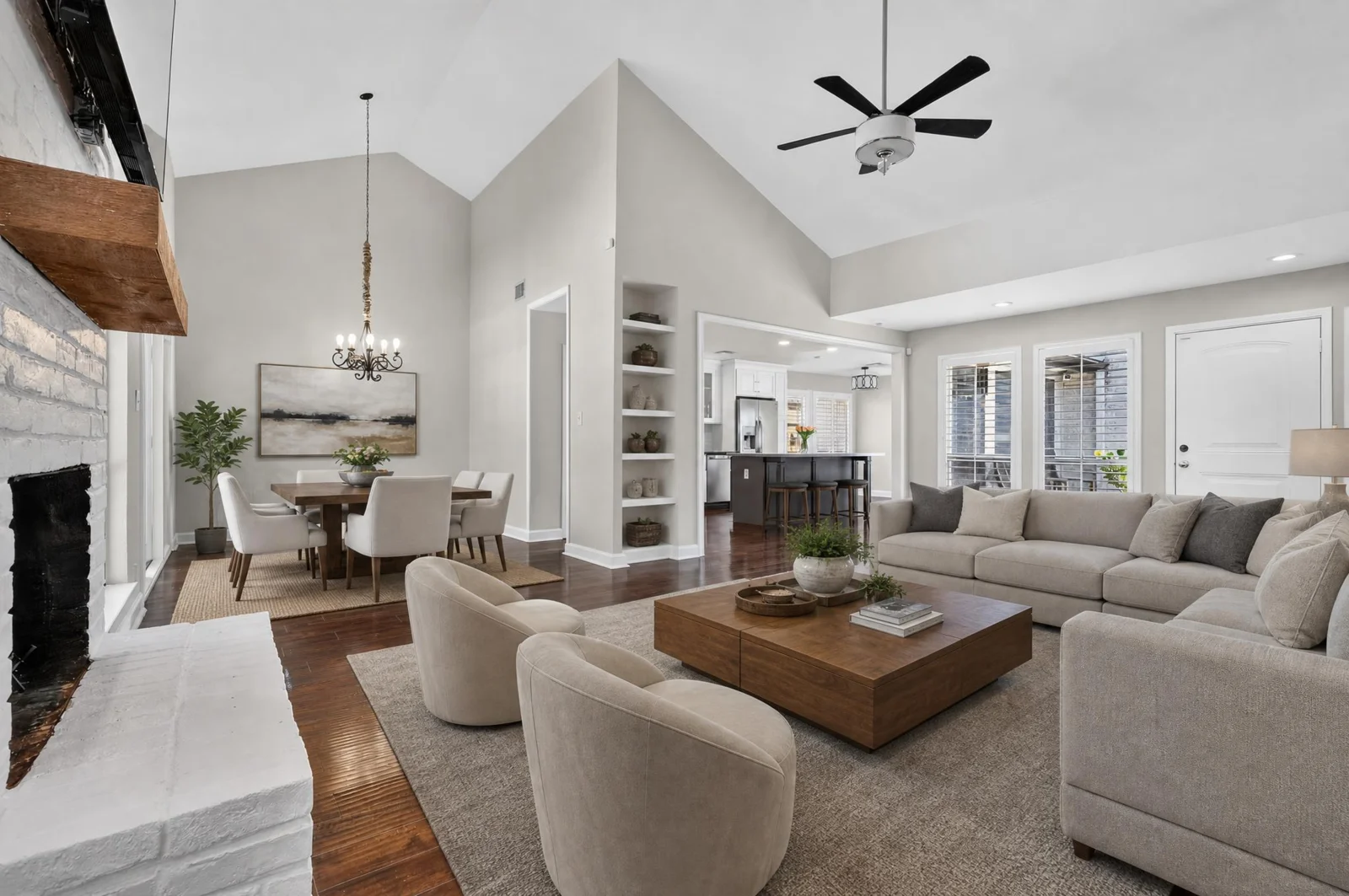
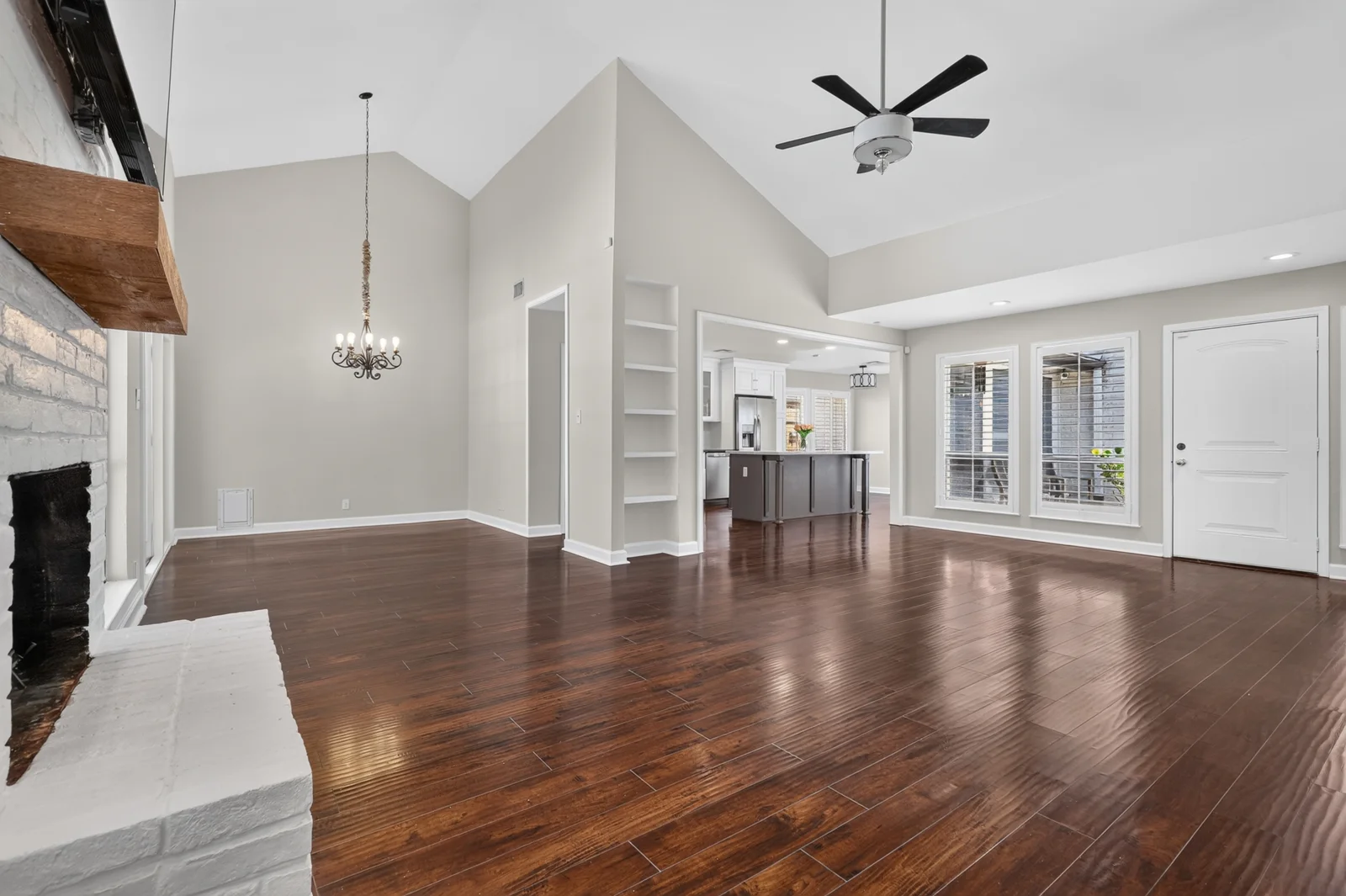
 OriginalVirtually staged
Open living and dining spaces
Living rooms · Digitally added furniture and décor

Virtual staging for Cypress, Katy, Bridgeland and Greater Houston. Help buyers picture how an empty space could be furnished, with the original view beside it.
Digital furniture and styling can bring a new vision to a space in video, too. Explore this virtual staging video, then tell Mario about the space you want to present.
This example contains digitally staged content. Furnishings and styling illustrate a proposed presentation.
Each space needs its own approach. Pricing is quoted according to your needs, the footage and the agreed work. Share your video and ideas to discuss the possibilities.
Ask for a video quote ↗Eight matching original and virtually staged views. Move the slider, or choose Original and Staged to see either image in full.
8 comparisons · All rooms
OriginalVirtually stagedLiving rooms · Digitally added furniture and décor
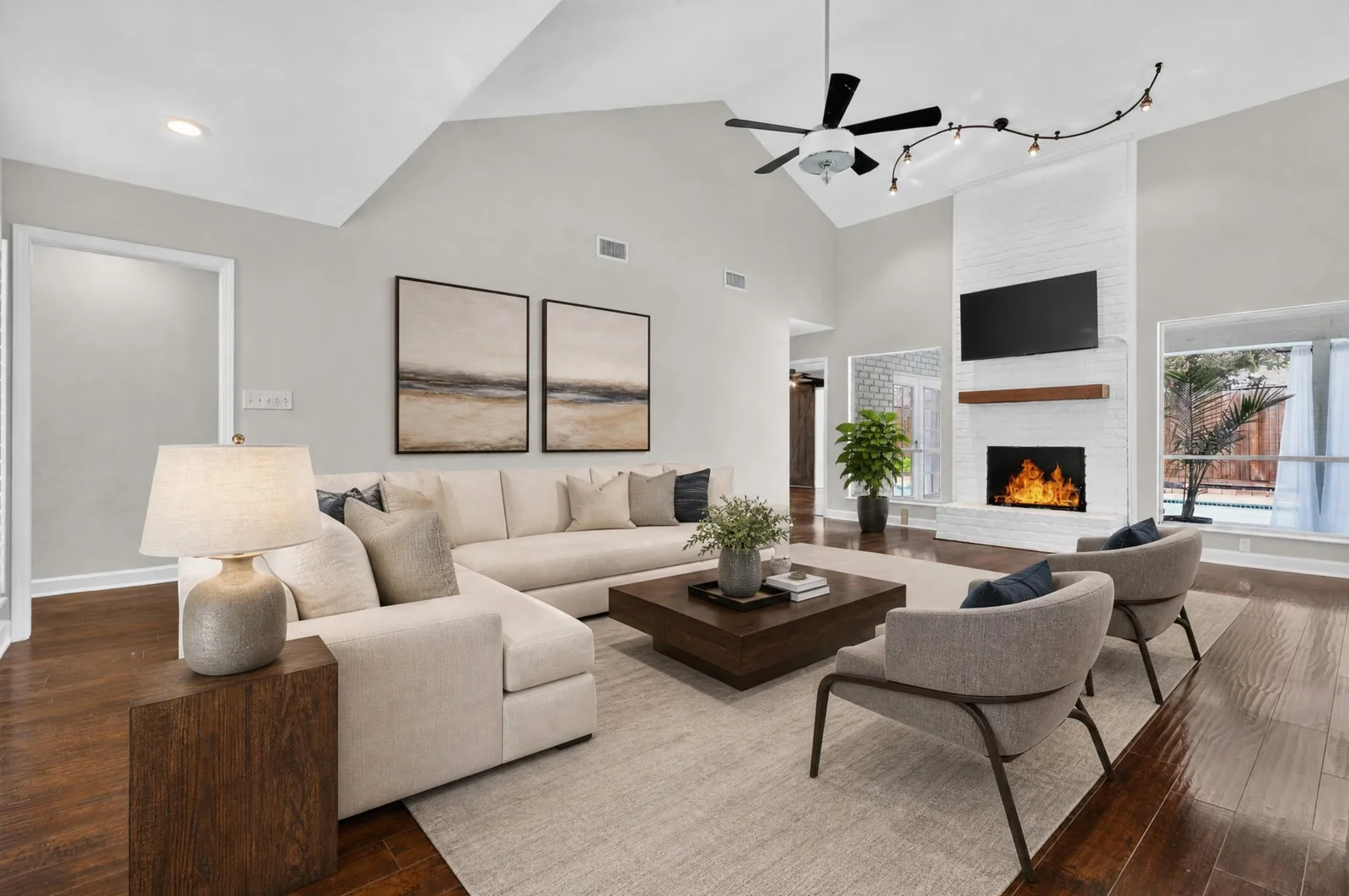
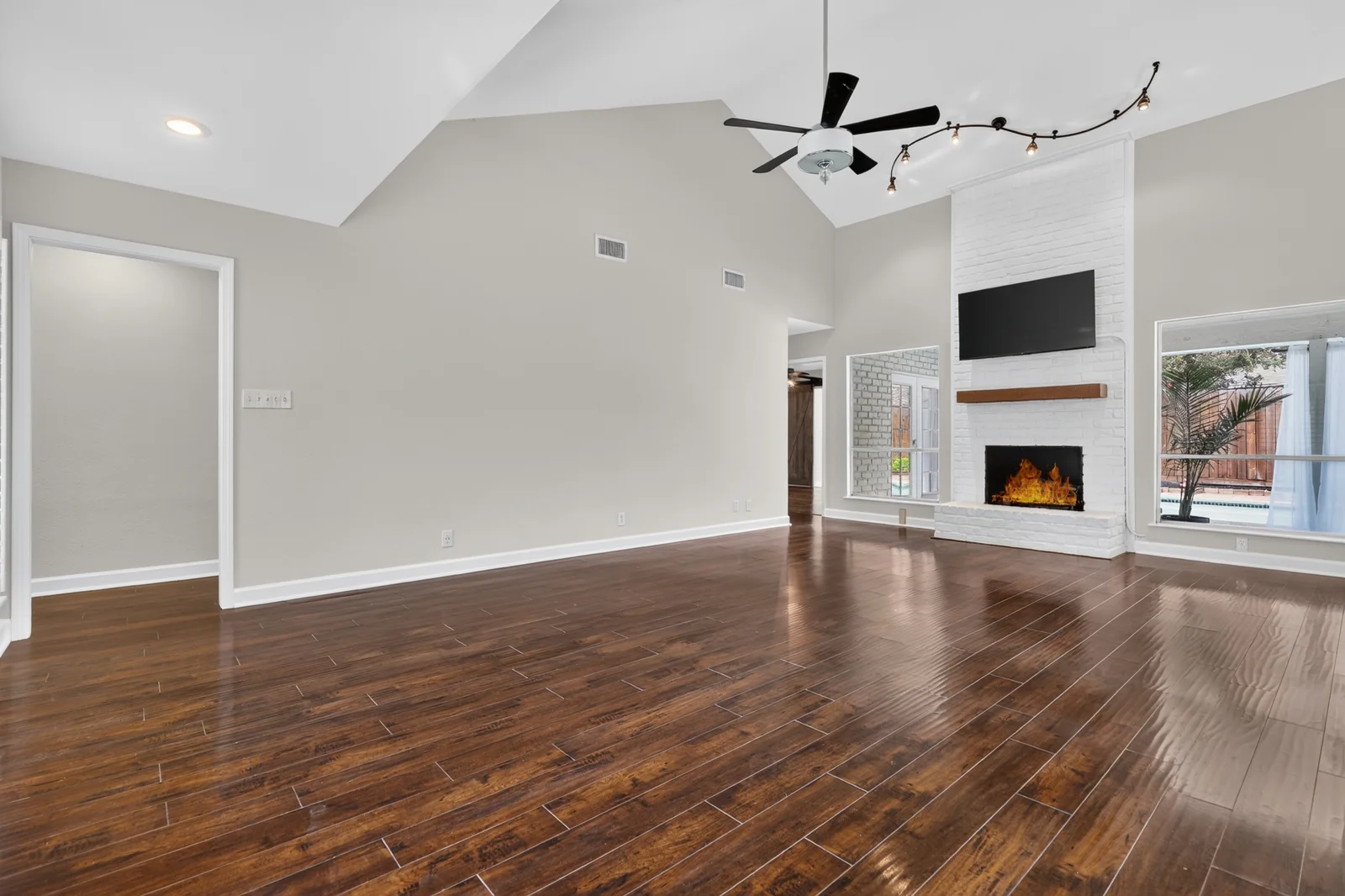 OriginalVirtually staged
Living rooms · Digitally added furniture and décor
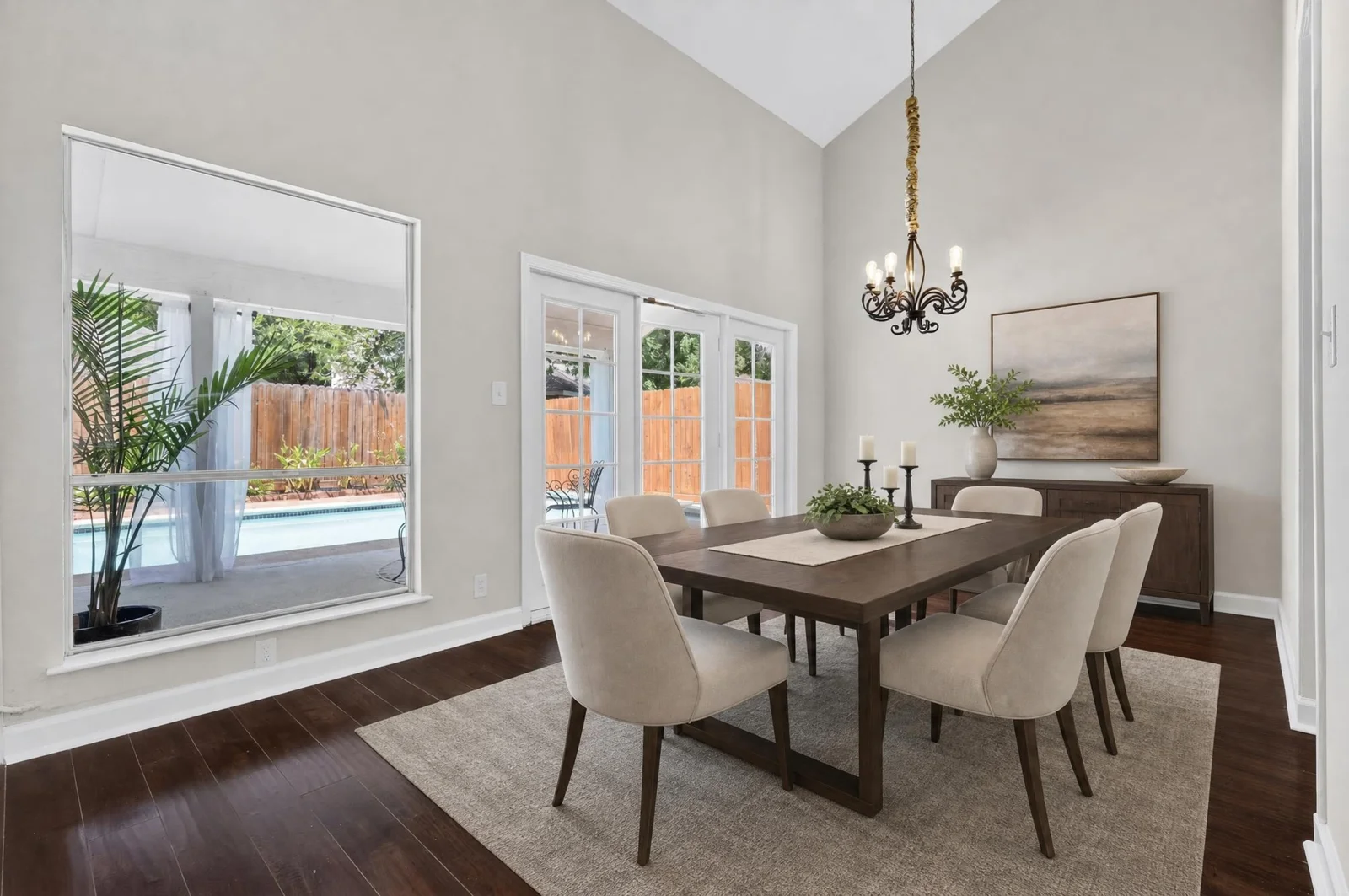
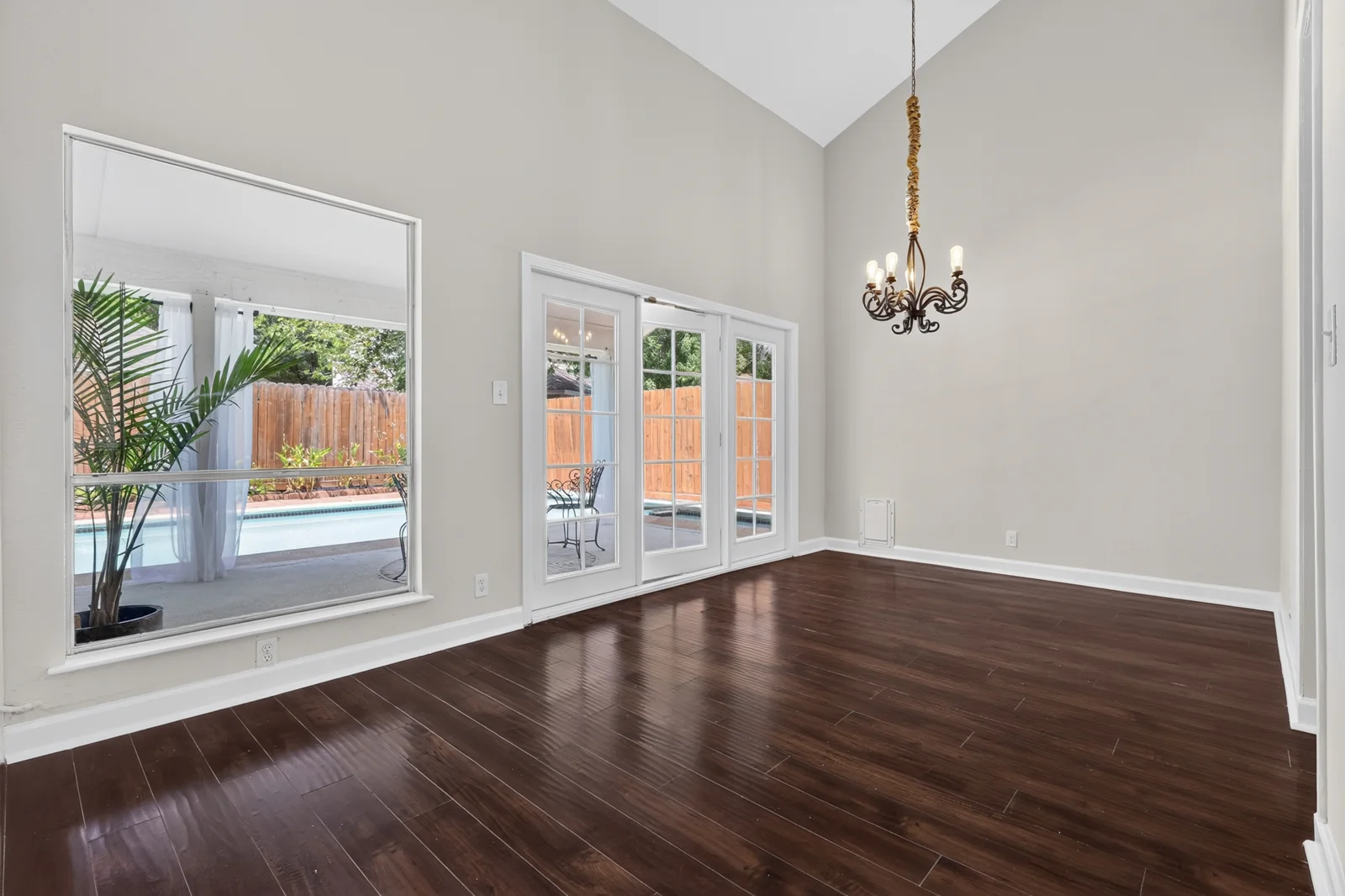 OriginalVirtually staged
Dining rooms · Digitally added furniture and décor
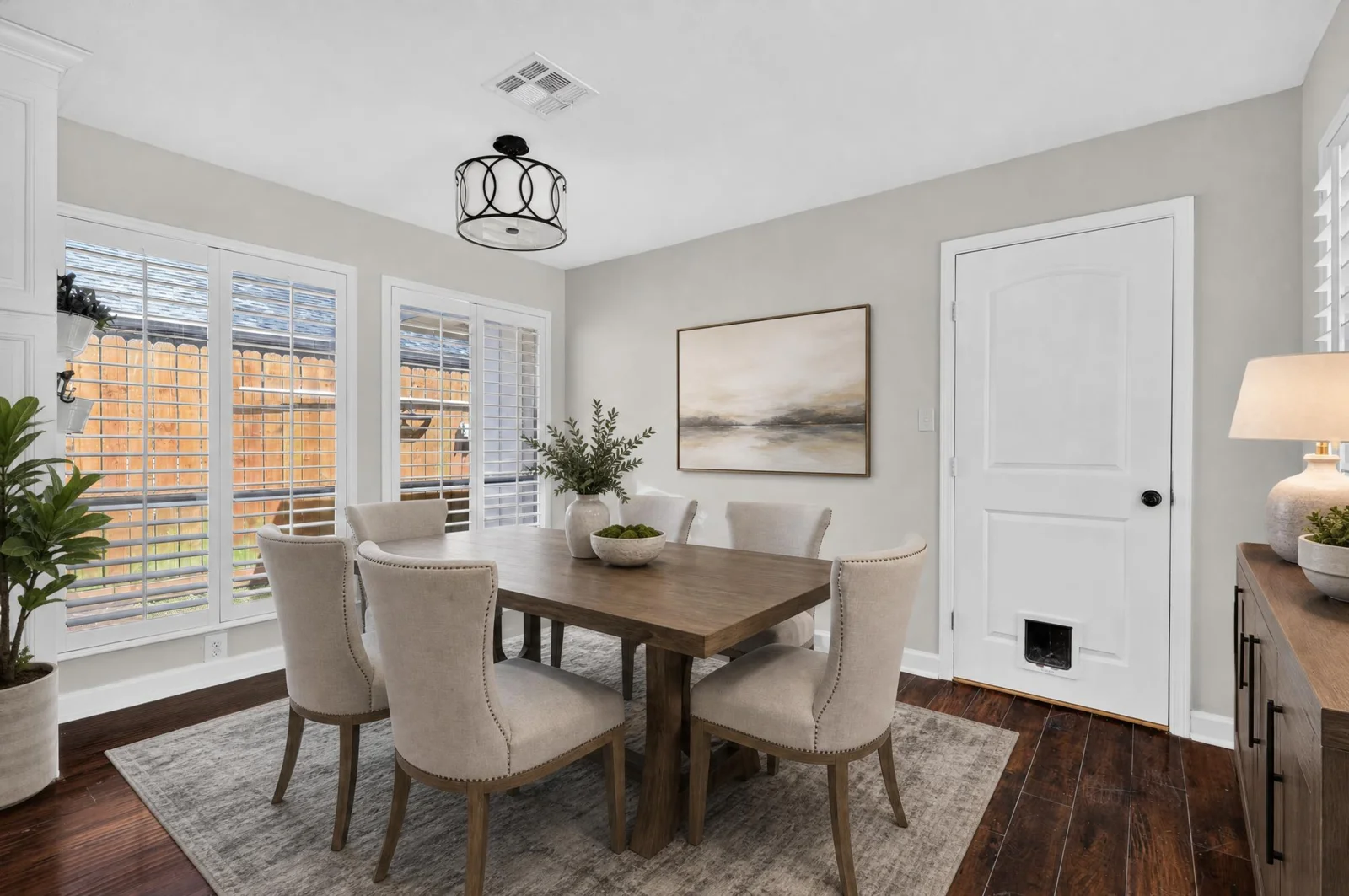
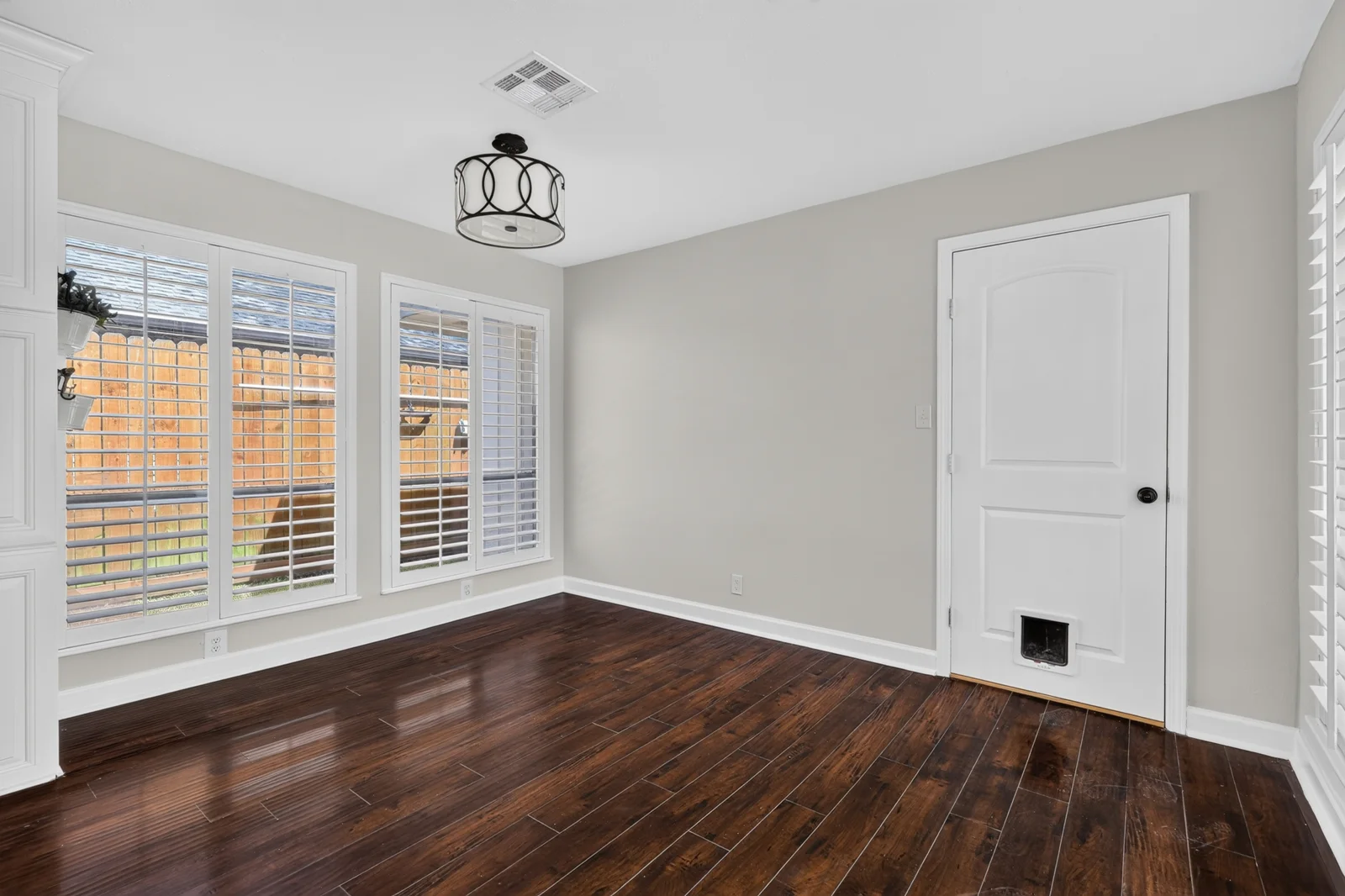 OriginalVirtually staged
Dining rooms · Digitally added furniture and décor
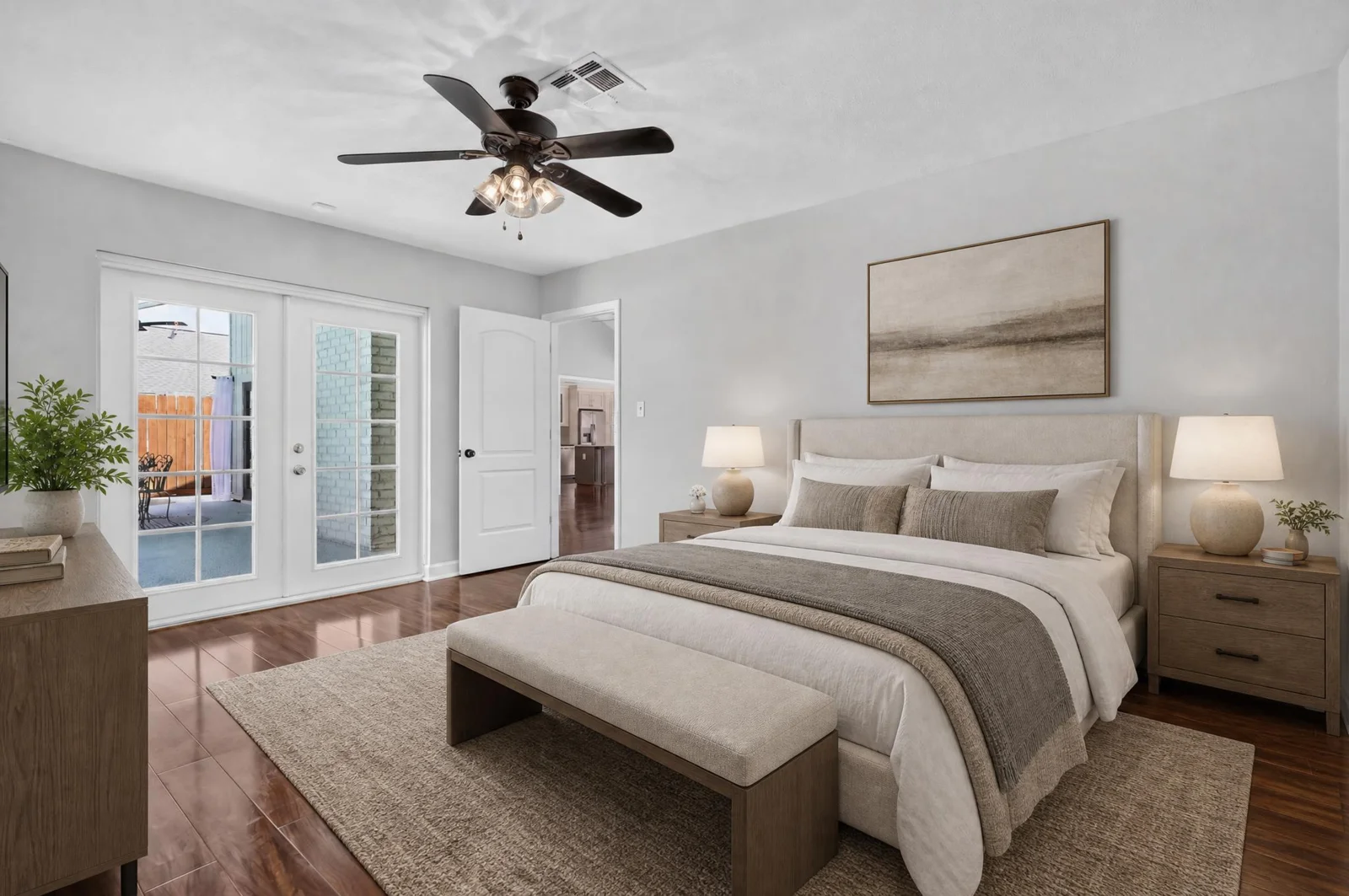
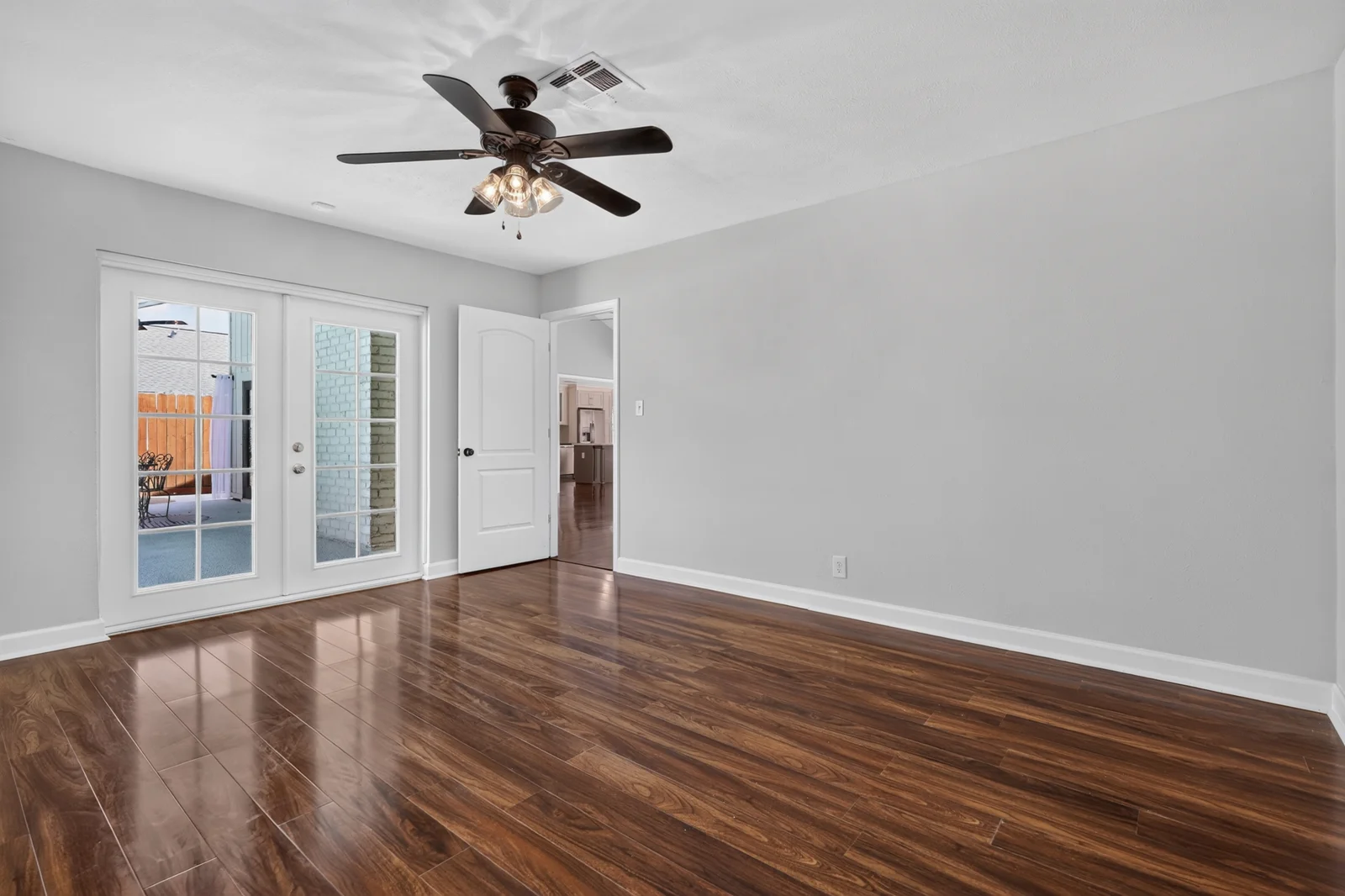 OriginalVirtually staged
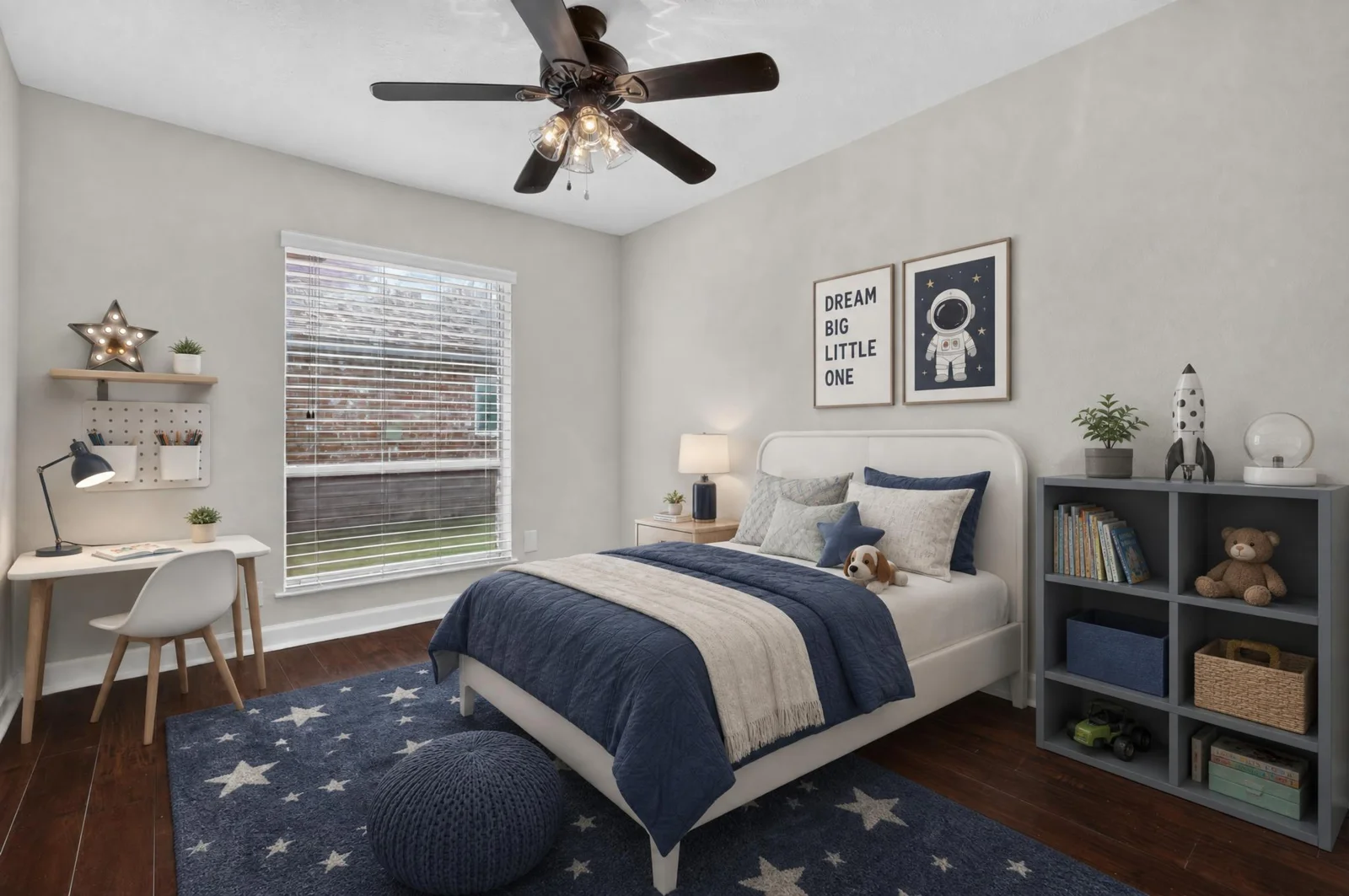
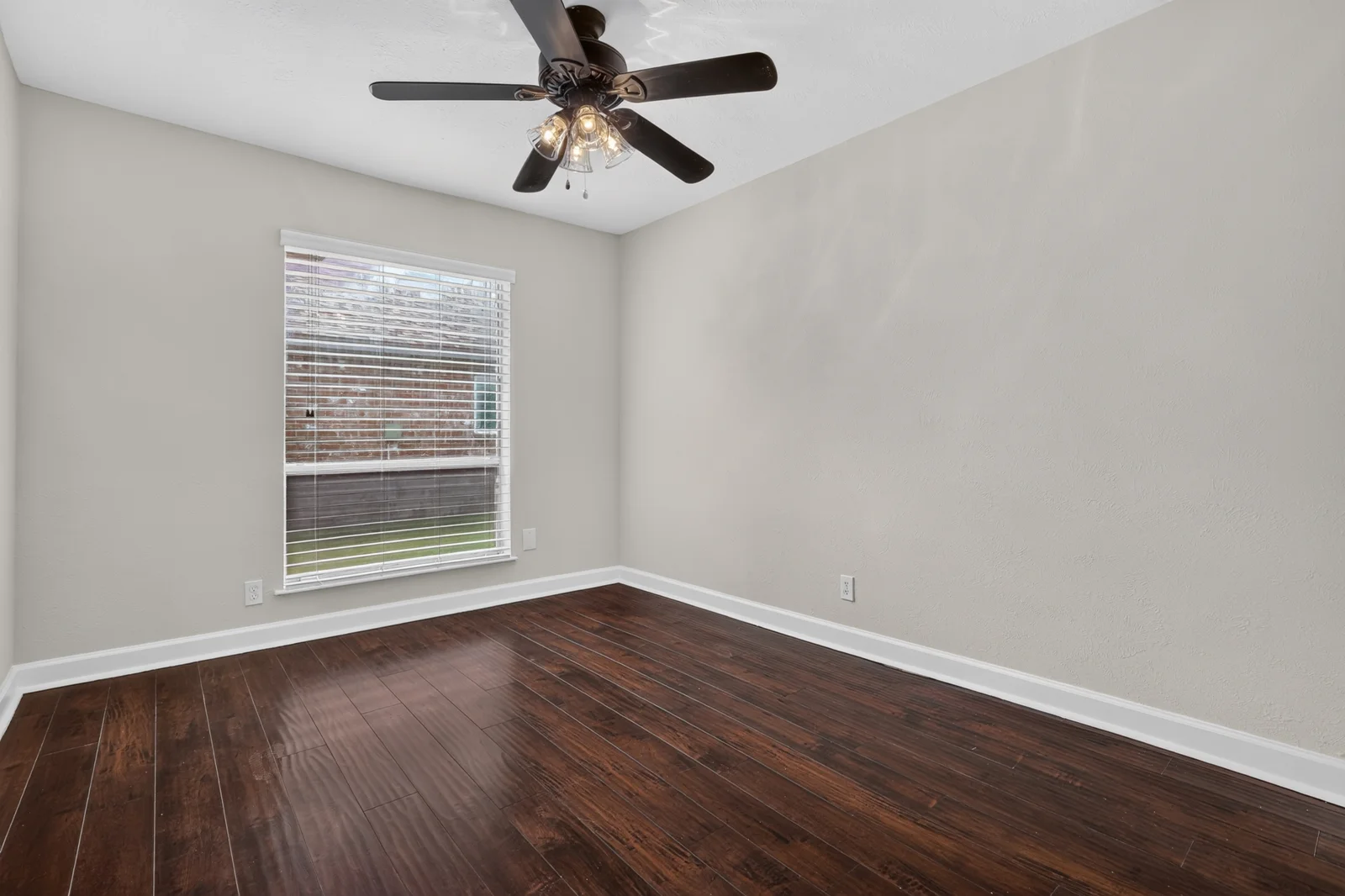
Bedrooms · Digitally added furniture and décor
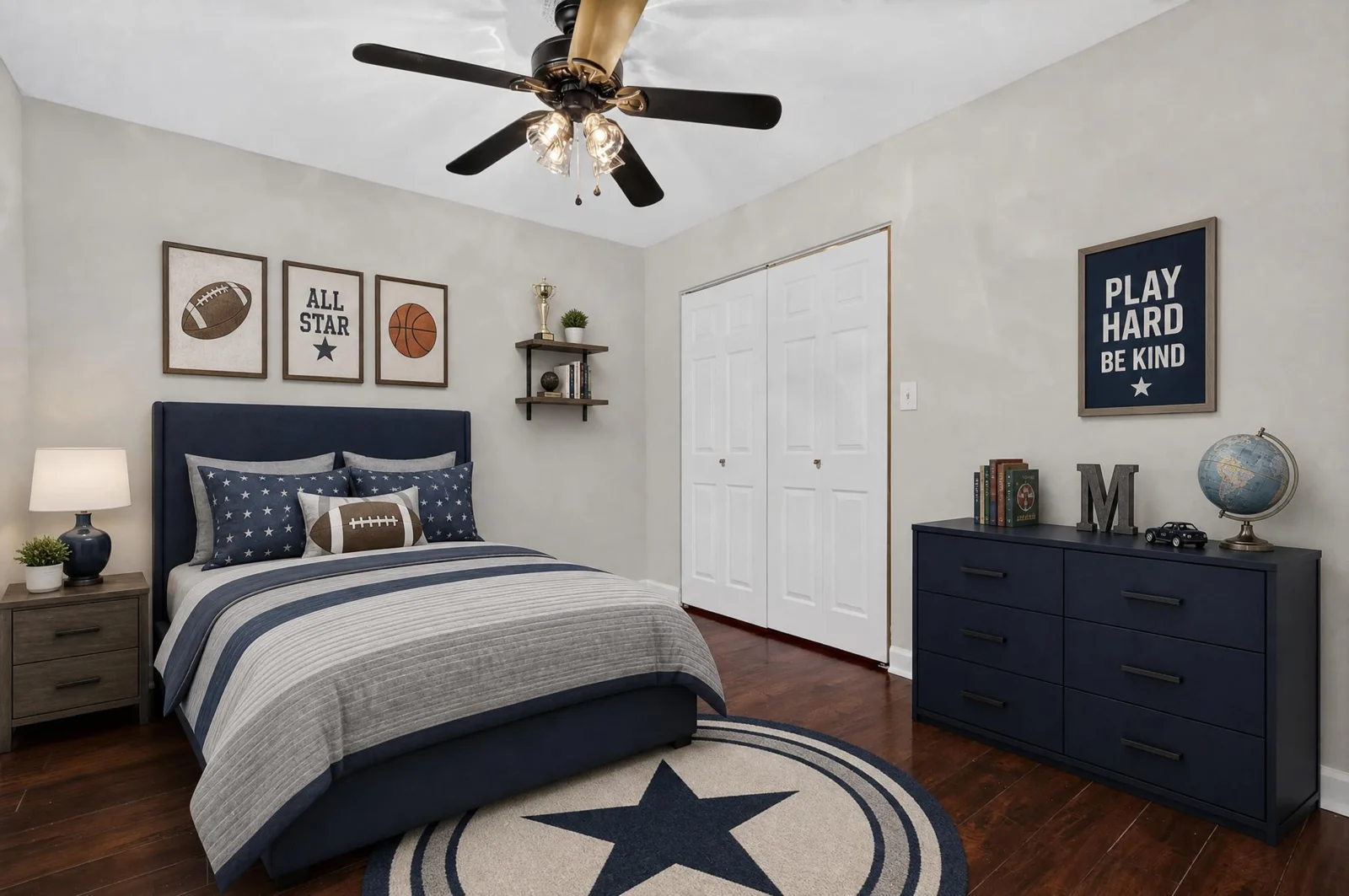
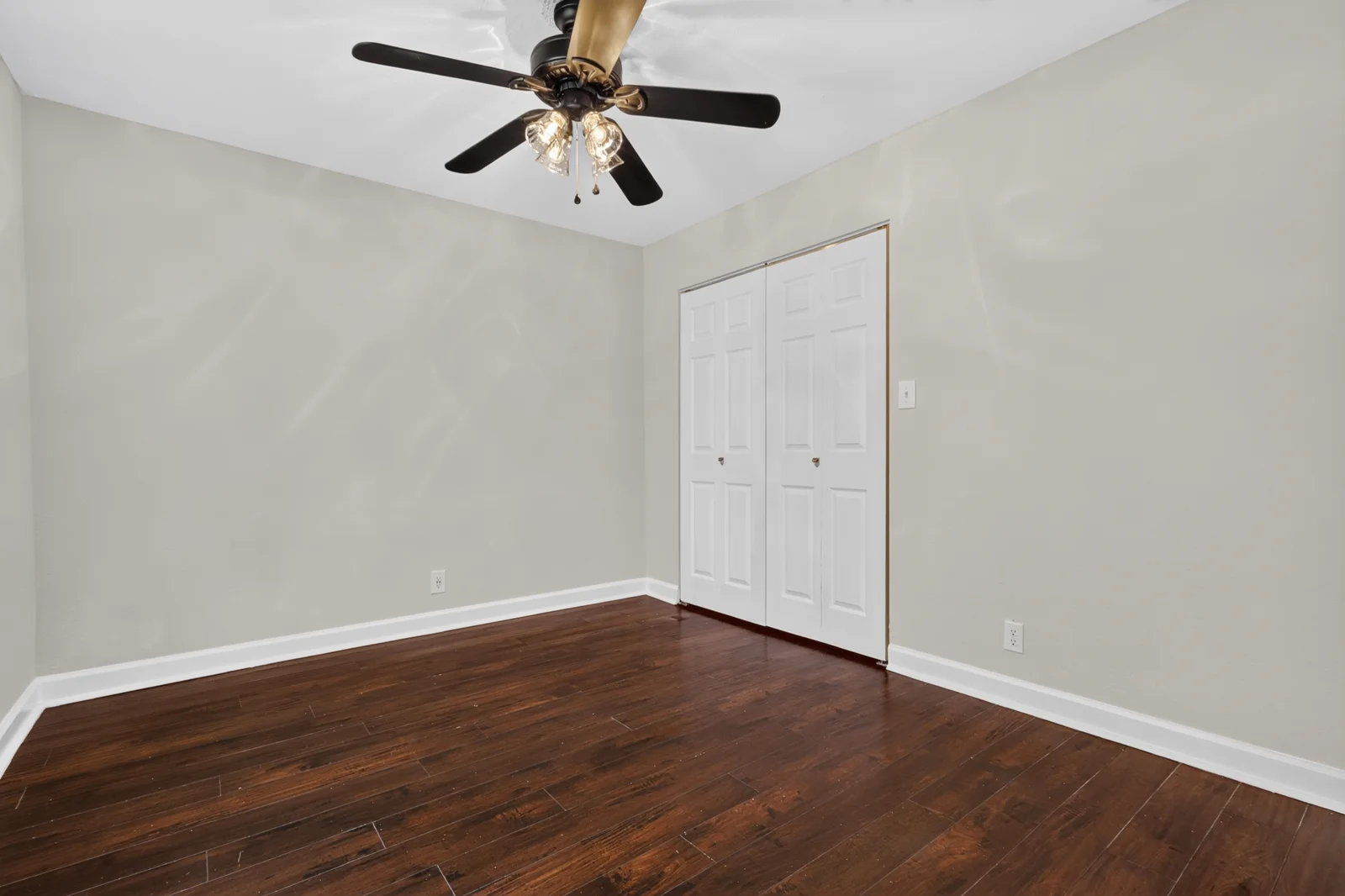 OriginalVirtually staged
Bedrooms · Digitally added furniture and décor
 OriginalVirtually staged
Bedrooms · Digitally added furniture and décor
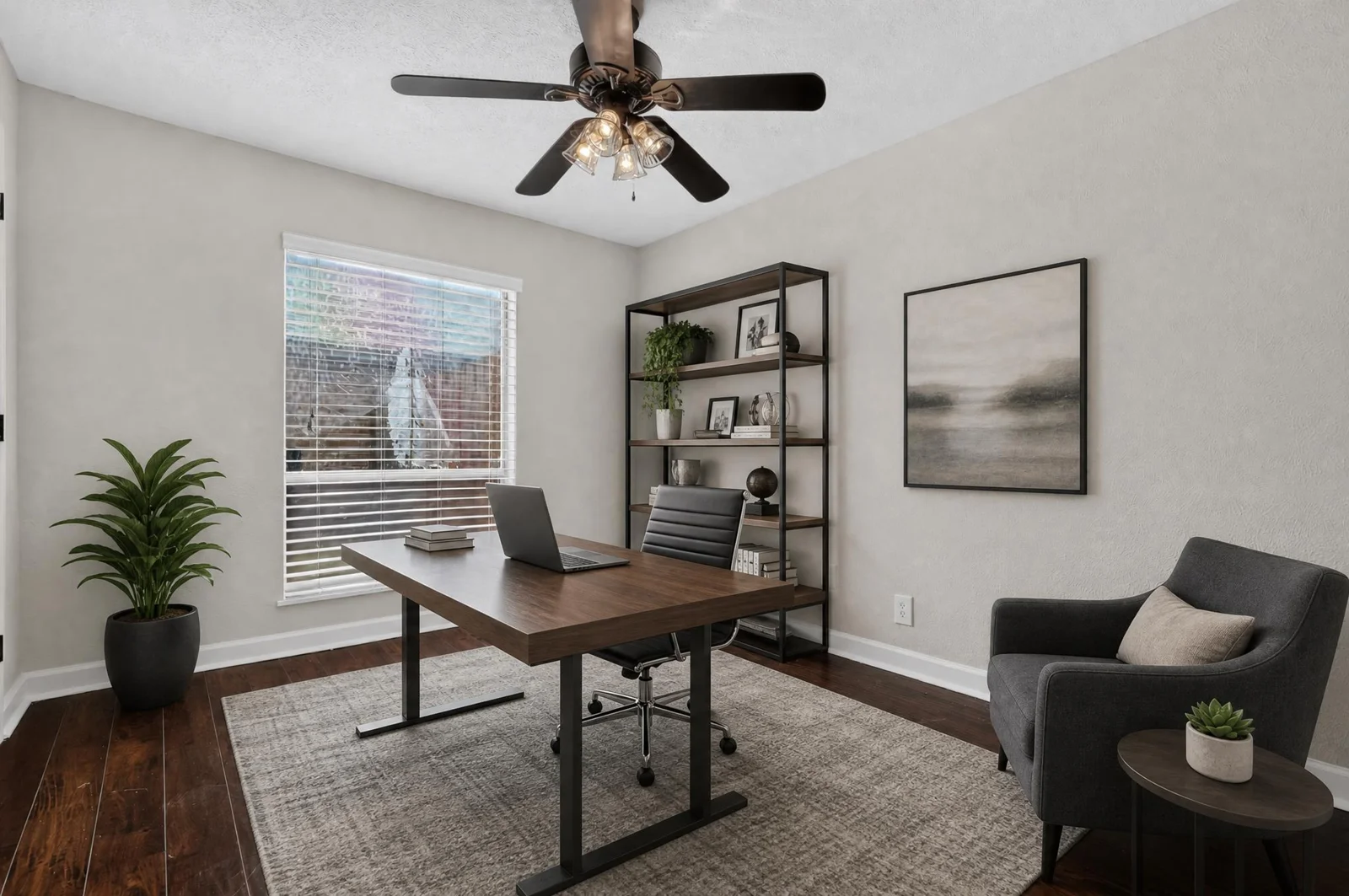
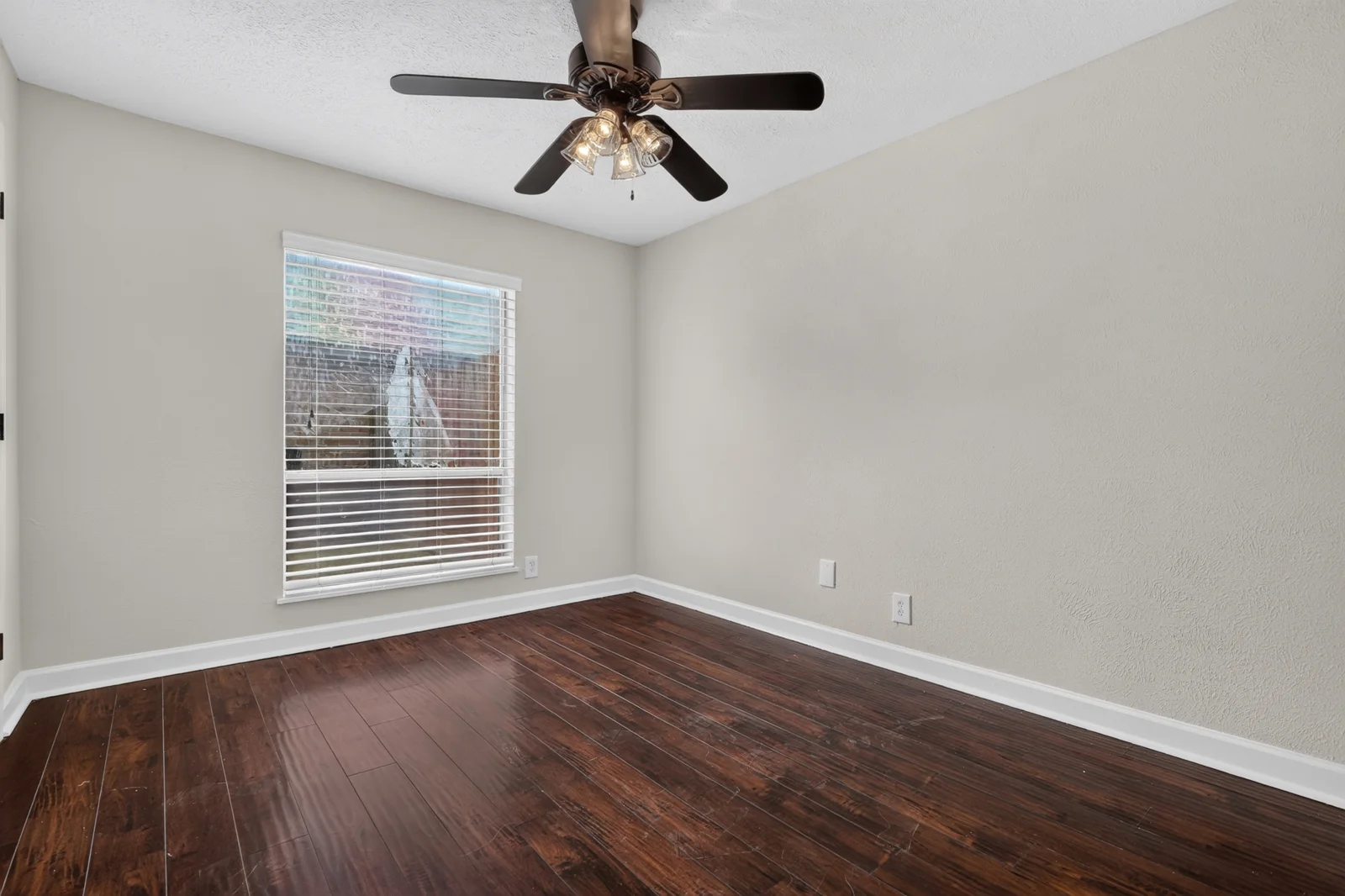 OriginalVirtually staged
Offices · Digitally added furniture and décor
Virtual staging adds digital furnishings to a property photograph. It offers a visual idea for an empty room while leaving the original photograph available for reference.
A seating group or dining arrangement can help viewers picture the intended use of a space. Choose the rooms that need the clearest visual explanation.
A coordinated furniture arrangement gives a vacant bedroom a more complete presentation. Keep the scale and layout appropriate to the room.
Show a proposed use for a flexible room, such as a home office. The image illustrates an idea; it does not change the room’s actual features.
Choose the views you want staged and agree the room purpose and look with Mario.
Virtual staging
Elevated and Pro also offer an optional virtual staging add-on: up to 7 photos for +$100. Confirm package eligibility and exact scope. Agree revisions and any additional editing before ordering.
Compare listing packages ↗A well-prepared source image and a simple direction help create a consistent result.
Use a sharp, well-lit photograph that clearly shows the room. Clean and declutter first. Tell Mario if the image includes existing furniture or requires work beyond adding furnishings.
Share the room purpose, preferred colors and a style reference. The examples here use coordinated neutral furnishings; other looks can be discussed for the project.
Review furniture scale, access routes and visible room features. Keep the original, identify the staged version and follow your listing platform’s current requirements.
PRO360 Photos supports listing presentations across Greater Houston, including Cypress, Katy, Bridgeland, Tomball, Spring and Montgomery. Discuss photography and staging together, or ask Mario to review existing source images.
Choose the main rooms that need a clearer sense of purpose. Use staged and original images together to explain the presentation.
Coordinate furniture style across the selected images so the listing has a consistent visual story.
Give empty living spaces a furnished concept while preserving an accurate original view for buyers.
Questions about source photos, pricing and digital furnishings.
Virtual staging adds digital furniture and décor to a photograph of a room. It shows a possible furnished arrangement, not furniture physically present in the property.
PRO360 Photos virtual staging is $25 per image. Elevated and Pro have an optional add-on of up to 7 virtually staged photos for +$100. Confirm the selected package and scope before ordering.
The examples include living rooms, dining rooms, bedrooms and a home office. Share the room’s intended use and the source image so Mario can review suitability.
Ask Mario to review the source files first. Image quality, angle, lighting and existing contents affect the work needed. Confirm scope and any additional editing before ordering.
Yes. Share the look you want, colors and a useful reference. Agree the direction before staging so the selected images work together.
Virtually staged photos are delivered by 9 a.m. the morning after the shoot, together with the original empty-room photos.
Treat furnishings as a proposed arrangement. Do not use staged images to hide defects or imply that permanent changes exist. The original photograph remains the reference for the actual space.
Clearly identify digitally furnished images as virtually staged, retain the original view and follow the current requirements of your MLS, brokerage and publishing platform. Confirm the rules that apply to your listing.
Share the room and the look you have in mind.
Plan virtual staging ↗Or call Mario. 832 874 5930